Higher completion rates
A well-timed reminder recovers reviews from satisfied customers who intended to respond but got distracted.
Smart reminders
Configure polite, timed reminders for invitations that were not opened or completed. Tellacity handles the schedule so your team stops copying follow-up emails into spreadsheets.
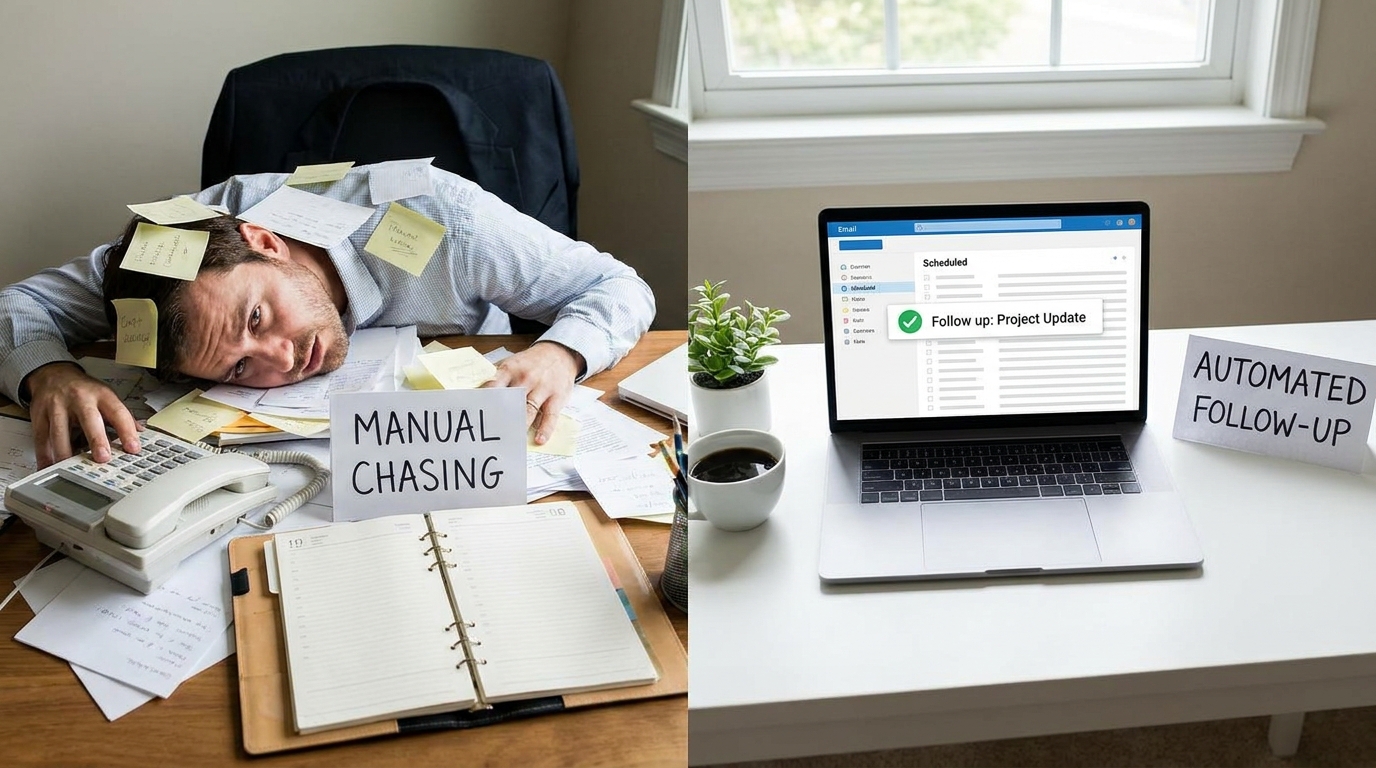
A well-timed reminder recovers reviews from satisfied customers who intended to respond but got distracted.
Set how many reminders to send and how far apart they should be to match your brand tone and industry norms.
Reminders pause once a review is submitted or an invitation is suppressed, so customers are not nagged.
Start with your primary email, link, or QR-driven invite after the customer interaction.
Tellacity sends follow-ups only when the invitation is still open and within your configured limits.
See which reminders converted and adjust timing based on real completion data.
Reminders respect per-recipient limits and suppression lists. You control volume and timing from the dashboard.
Yes. Suppress individual addresses or pause campaigns when a customer has already reviewed or opted out.
Explore the full Review Invitations solution or read the Help Center.
Claim your profile, configure invitations, and start collecting verified reviews from one dashboard.