No app required
Customers scan or tap and land directly in your branded review experience on mobile or desktop.
Invite links & QR codes
Generate a unique invite link or QR code for your business and place it on receipts, packaging, tables, invoices, or post-service messages so customers can leave verified feedback in seconds.
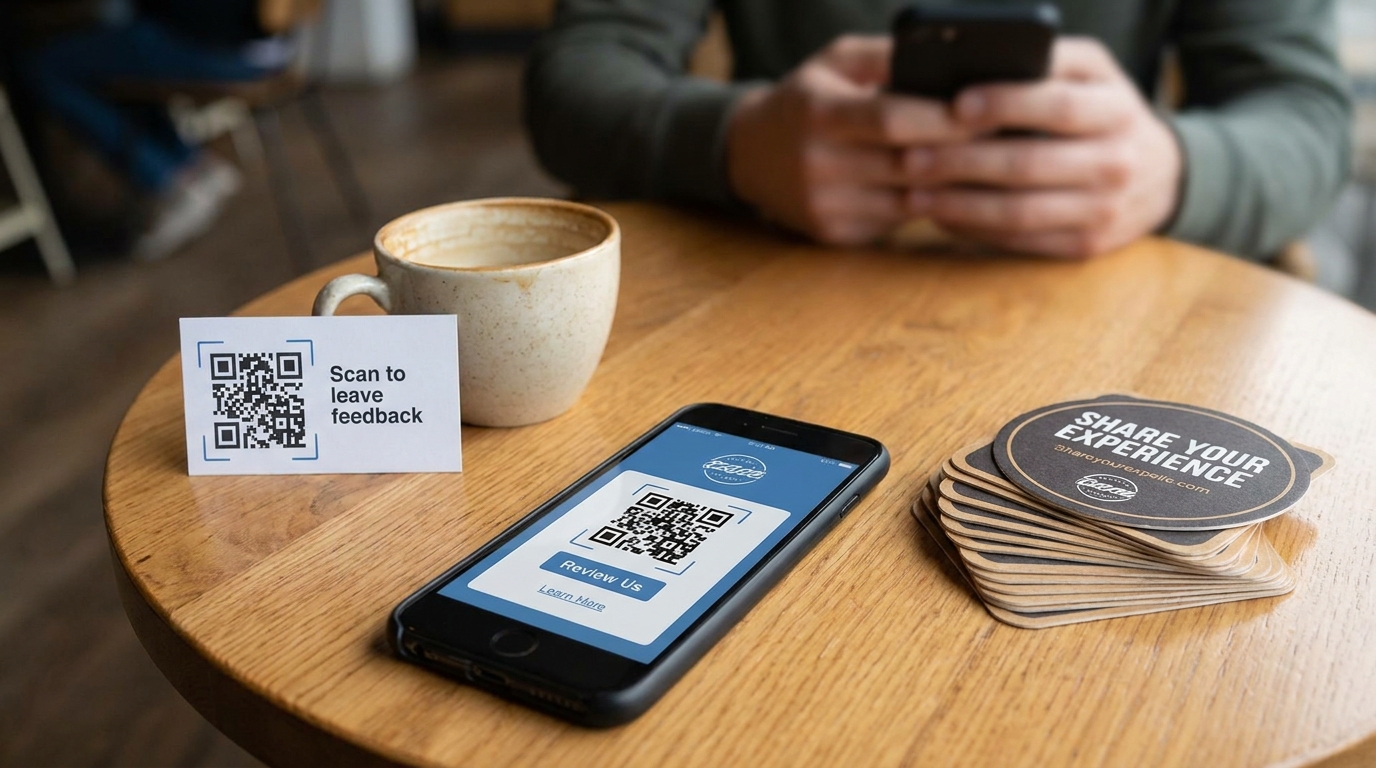
Customers scan or tap and land directly in your branded review experience on mobile or desktop.
Capture feedback right after a sale, appointment, or delivery while the experience is still fresh.
Use different links or codes per location or campaign to see which touchpoints drive the most reviews.
Generate assets from the dashboard in one click, ready for print, email, or SMS.
Add to receipts, packaging inserts, table tents, checkout screens, or thank-you messages.
See scans, opens, and completed reviews so you know which placements perform best.
Yes. Multi-location businesses can issue location-specific invite assets while managing everything centrally.
Your core invite link stays available for ongoing use. Campaign-specific links can be rotated when you run promotions.
Explore the full Review Invitations solution or read the Help Center.
Claim your profile, configure invitations, and start collecting verified reviews from one dashboard.